Here are my precedent images for my DSDN104 project "Grow". I decided to investigate some naturally occurring patterns and found that most of the underlying patterns had an adherence to The Golden Rule in one way or another. I was also curious about fractal images and found that there were many images to adhered to both the natural "Golden Rule" and the computational rules used to create the fractal images.
A fractal image showing the Golden Rule
A chameleon's tail showing the Golden Ratio
A shell showing the Golden Ratio
A natural occurence of the Golden Ratio
A staircase modelled after the Golden Ratio
A shell showing the Golden Ratio
I also had an interest in the concept of a Mobius Strip and the connotations it has in physics and philosophy, and the interesting shapes that have been made using this concept
So far I have only composed one of the sets of images into a final composition, though it was enough to show me the general aesthetic of the kind of composition I have attempted to make. I found that the image painted on the canvas did not show enough of a progression through the painting from start to finish, and was not particularly interesting as a composition on it's own which I thought was because the painting did not have enough layers to mix together. I did find however that the progression of time was evident in the surroundings of the painting, with the movement of the artist and the paint on the palette. I want to do another shoot that includes both this progression of time with the artist and their tools, and also a painting that has more layers.
Here are a couple of time lapse videos I found that look like good
examples of the process I want to use for my shoots. Bear in mind that
my intention is not to create a time-lapse video per se but simply to
follow the process of making one and superimpose all of the frames shot
into one image.
This is a time-lapse of a Colorado artist Jeff Jagunich, who does a lot of these kind of videos for his illustrations and paintings. This is the right idea for the techniques that I want to use, although I imagine I'll have to set both the camera and the canvas up as stationary, otherwise the final image will just be a blur. I do think that the type of image he is drawing would work really well because of all the colours - through the blending I would do in photoshop the colours will hopefully mix together so that the image would look different from the final product.
Another video of an artist drawing for a time-lapse, this time by Alex Young. This would be an interesting composition to see done with the technique I intend to use, as I think it would show the progression from start to finish very well with the opacity of the lines drawn toward the end. I do really want to add a lot of colour to the pictures though, as I think they would make for a better photo.
I added this video because i think that it would work really well if all the frames for the video were superimposed down to one image, as you could see the movement of both the stars and the camera, and the blending of dawn, night, and dusk all together. I am interested to see what it might look like if I choose to make the camera move at a steady rate throughout the composition.
I tried to replicate the photo that I've decided upon for my final, though I feel this is a really weak image and is so much more deserving of some nice textures and effects. Whilst the simplicity and contrast works in the photo I've taken, here it just looks underworked and plain. It does look strikingly similar though!
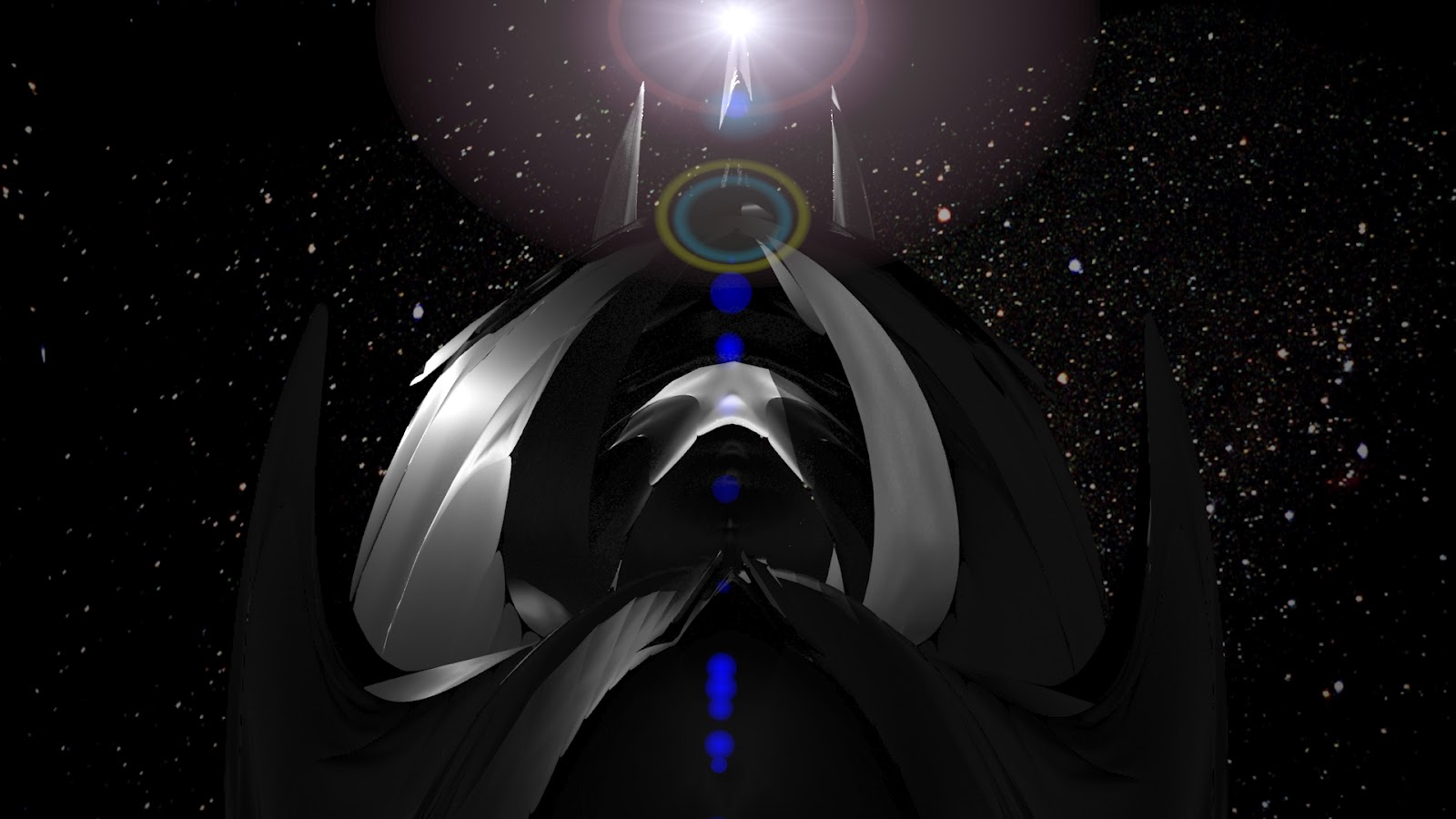
I decided that I thought in all the photos in the previous post my model appeared to me as a vessel of some kind - like a ship in a vast ocean of a spaceship of some kind. I liked the spaceship idea because a lot of my model looks kind of alien, and it worked with the 3 words used to shape it. So I chose to re-render my model into a space scene! Here are some images of the process of re-rendering, you may even get a sneak preview of what it is to look like....
Here are some of the images that came from my first photoshoot of my acrylic model:
These are all without photoshopping, as I intend to take the images that I think work the best and do a second photoshoot and push my favourites that little bit further.